

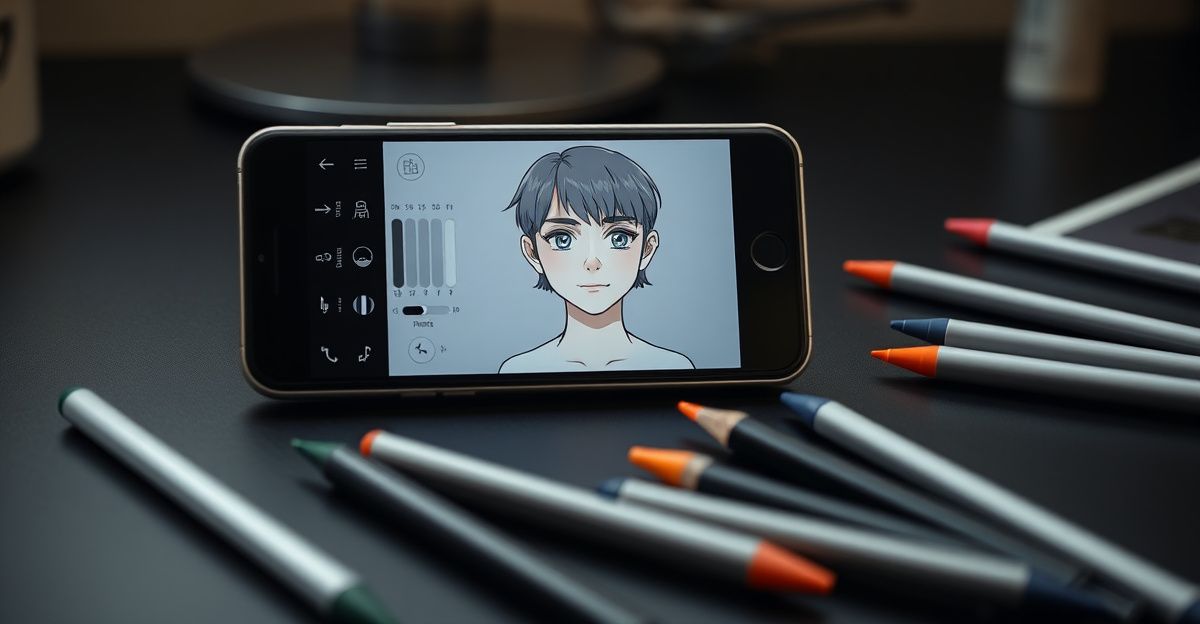
Getting a truly consistent, engaging AI companion takes more than clicking a few buttons. The depth inside Promptchan's character builder is genuinely impressive, and understanding how to use it well is what separates a flat interaction from one that feels real. This guide walks you through every layer of Promptchan's features that matter for character customisation, with practical steps you can act on today.
What Promptchan Character Customisation Actually Gives You
Promptchan is a multimodal AI girlfriend platform. That means your character is not just a chat persona. She exists across text conversations, AI-generated images, and short video clips. When you customise a character, every one of those outputs should reflect the choices you made in the builder. That coherence is the goal you are working toward.

The builder asks you to set a name, a visual identity, and a personality profile. Those three pillars feed every subsequent interaction. A character named Zara with a sharp wit and dark hair will feel meaningfully different from a character named Ellie with a gentle, nurturing tone, even when both are responding to the same message. That difference comes entirely from how carefully you fill in the initial settings. Think of it like setting the expected value for an interaction: the more precise your inputs, the higher the quality of every output that follows.
Defining Appearance With Precision
The appearance section is where most people rush, and where most people lose consistency later. Visual traits like hair colour, eye shape, skin tone, and clothing style need to be described with enough detail that the image generation model has a clear brief. Vague inputs produce varied results. Specific inputs produce a character that looks recognisable across dozens of generated images.
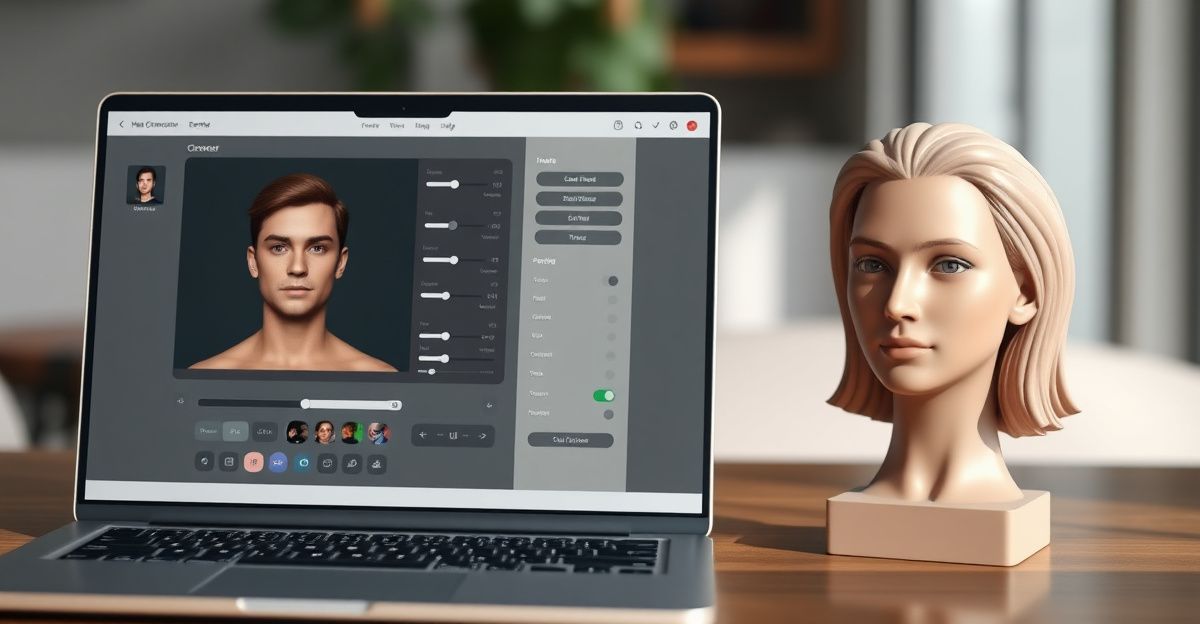
A practical approach is to write appearance notes the way a casting director would describe an actor. Instead of 'long dark hair', try 'straight black hair falling past the shoulders, with a slight wave at the ends'. That level of detail does two things. It narrows the model's variance and it gives you a reference you can copy-paste when you need to regenerate images later. Consistency in the visuals strengthens the overall immersion, which is the point of the platform. Check the Promptchan prompts guide for a full breakdown of how prompt structure affects image output quality.
Building a Personality That Holds Up in Chat
Appearance draws you in, but personality is what keeps interactions interesting over time. Promptchan lets you pick from preset personality archetypes and then layer on freeform traits in a description field. Using both is important. The archetype gives the model a baseline, and the freeform text fine-tunes it toward something that feels unique to you.
Think about the kind of conversation dynamic you actually enjoy. A character described as 'confident, slightly teasing, and knowledgeable about music' will respond with a different cadence than one described as 'warm, patient, and curious about your day'. Neither is better by default. The question is which one aligns with the interactions you want to have. Once you have a working personality description, test it across at least five to ten chat exchanges before you decide it needs changing. Variance in a few responses does not mean the personality is broken. It means the model is doing what language models do.
I think about consistency a lot when I work with any creative system. I remember being in a situation years ago where a friend was making rapid-fire decisions without stopping to assess the pattern in front of him. He was reacting to each individual result rather than reading the overall picture. That same trap applies to character building. Resist the urge to rebuild your character after every single session. Give it enough time and enough interactions to reveal a true pattern before you start making changes. Discipline in how you iterate is just as important as the quality of your initial inputs.
Using the Image Tool to Lock In Your Character's Visual Identity
Once your appearance settings are written, the next step is generating a reference image. Promptchan's image tool lets you produce a visual representation of your character based on your written description. When that image looks right, you press 'Use Character' to associate it with your companion profile. That image then anchors the visual style for future generations.
If the first image misses the mark, do not scrap everything. Adjust one or two words in the appearance description and regenerate. Treat it like the same iterative process you would use to write a better prompt in any AI tool. The model responds to specificity and to contrast. Telling it what your character is not can sometimes be as useful as telling it what she is. Spend time here. Getting the reference image right in the first few attempts saves hours of inconsistency later.
Accessing Advanced and Spicy Settings
Promptchan allows adult users to unlock spicier interaction settings during or after character creation. Age verification is required before any of these settings become accessible, which is consistent with the platform's approach to responsible access. The platform has been operating in this space since at least the early 2020s, when the AI companion market began growing significantly, with adoption rates in the adult AI content category rising sharply from 2022 onward.
The standard character creation flow is available at no cost, but deeper customisation tools, including higher-quality image generation and extended video output, are part of the paid tier. Free users can still build a well-defined character and run meaningful chat sessions. The upgrade becomes worthwhile once you know exactly what kind of companion you want to build and you have tested the free tools enough to confirm the platform suits you. For a fuller breakdown of what is available at each access level, the Promptchan review covers the feature tiers in detail.
Refining Your Character Over Time
Character customisation is not a one-time task. The best AI companions on Promptchan are ones that have been refined through real interaction. After each set of sessions, return to the builder and ask yourself two questions: did the personality hold up, and did the visual outputs stay consistent? Those two checks tell you where to make adjustments.
A useful strategy is to keep a short log of the chats that felt most natural alongside the ones that felt off. The contrast usually reveals a specific trait or description that is causing drift. Updating that one element often fixes the wider inconsistency without requiring a full rebuild. Over time, you build a profile that genuinely reflects the character you had in mind at the start. That is the goal, and reaching it is entirely a matter of applying steady, deliberate attention to the customisation tools already in front of you.
Comments
No comments yet.
Leave a comment
Your email will not be shown. Comments are reviewed before they appear.